Manage calls, messages and bookings from one mobile app.
See how one mobile workspace brings client calls, messages, bookings, follow ups and Agent outcomes together.
 In this guide3 operating decisions3 practical questions answered
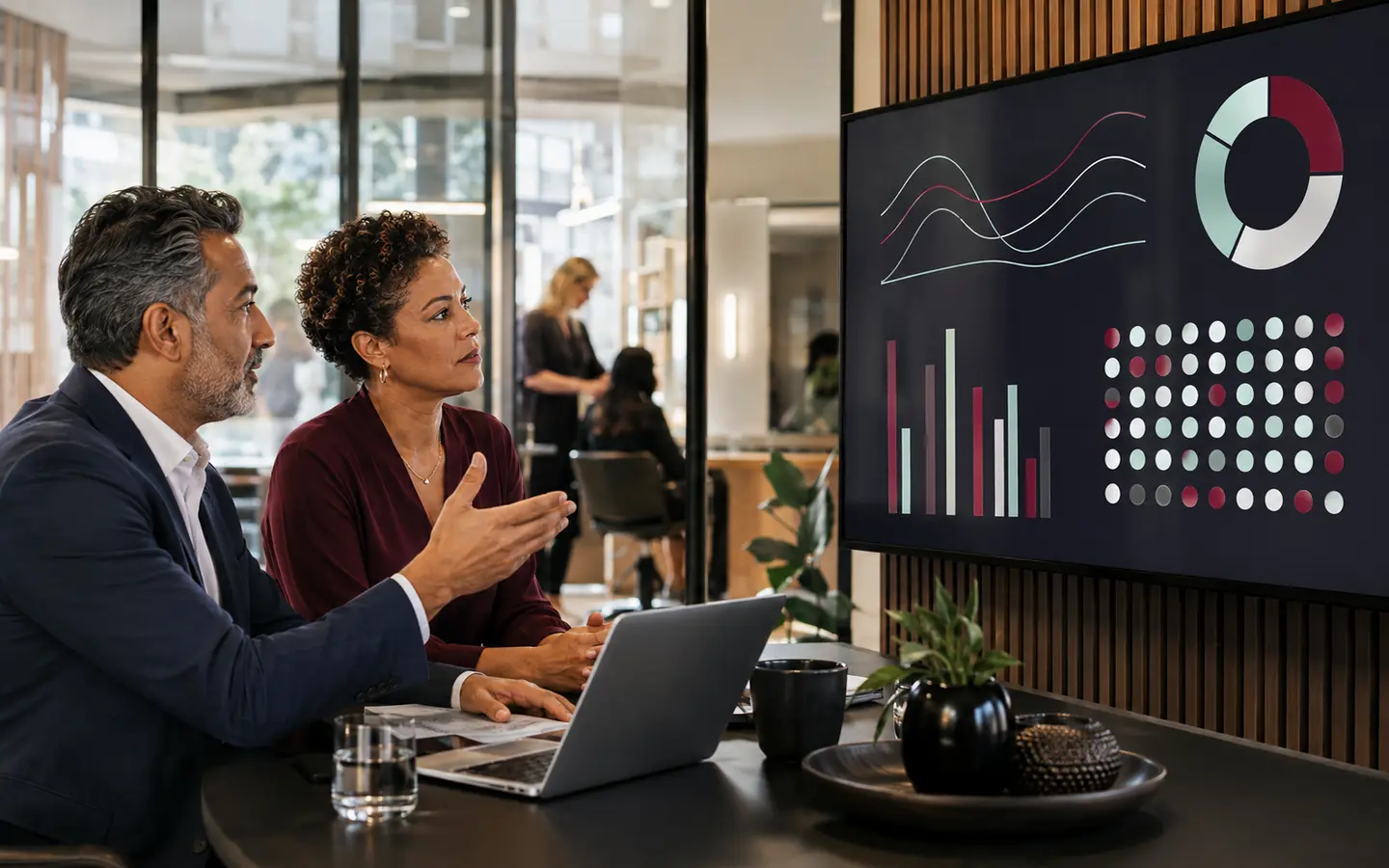
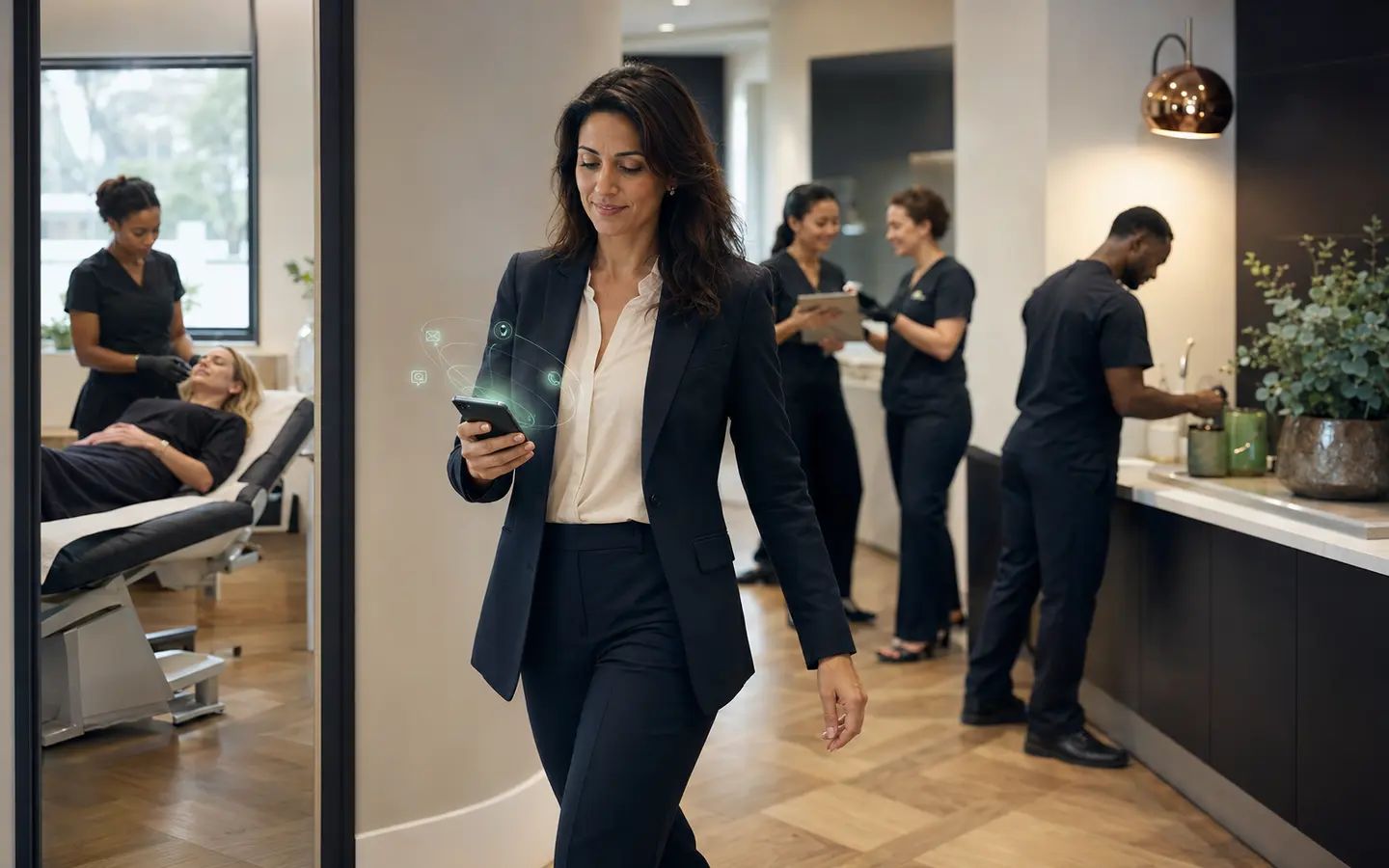
Owners should not need a computer open or fifteen separate dashboards to understand what their AI Agents are doing. One mobile workspace can bring conversations, appointments, client records and human handoffs into a manageable view.
This guide turns the subject into an operating decision for salons, clinics, beauty businesses and service teams considering voice AI, conversational AI or an AI receptionist. The aim is to make the responsibility, boundary, next action and measure of success clear before implementation begins.
See the client journey in one place
The mobile experience should show the client, channel, conversation history, appointment status and next action without searching several inboxes.
Calls, WhatsApp, text, social, website chat and follow up become easier to supervise when they update one record.
Keep the business in control
Owners and authorised staff can review conversations, update information, change ownership and step into an enquiry.
RevenueIQ builds and maintains the system while the business retains visibility and operating control through the application.
Manage exceptions rather than every action
The purpose is not to make an owner supervise fifteen Agents continuously.
Routine work continues in the background while the app surfaces decisions, urgent items and conversations that need a person.
Clear answers to the practical questions.
01Do I manage every Agent separately?+
No. The connected system presents the overall journey and only the actions requiring attention.
02Can I see conversations from my phone?+
Yes. The mobile application can show conversations, appointments, contact records and assigned tasks.
03Can my team use the app too?+
Authorised team members can receive access appropriate to their responsibilities.